Diagnosis · 6 min read
Garage Door Remote Stopped Working? Work Through It in This Order
Unlike almost everything else on a garage door, a remote fault is something you can safely work through yourself. There is no stored energy involved and nothing to fall on you. Here is the order that resolves it fastest.
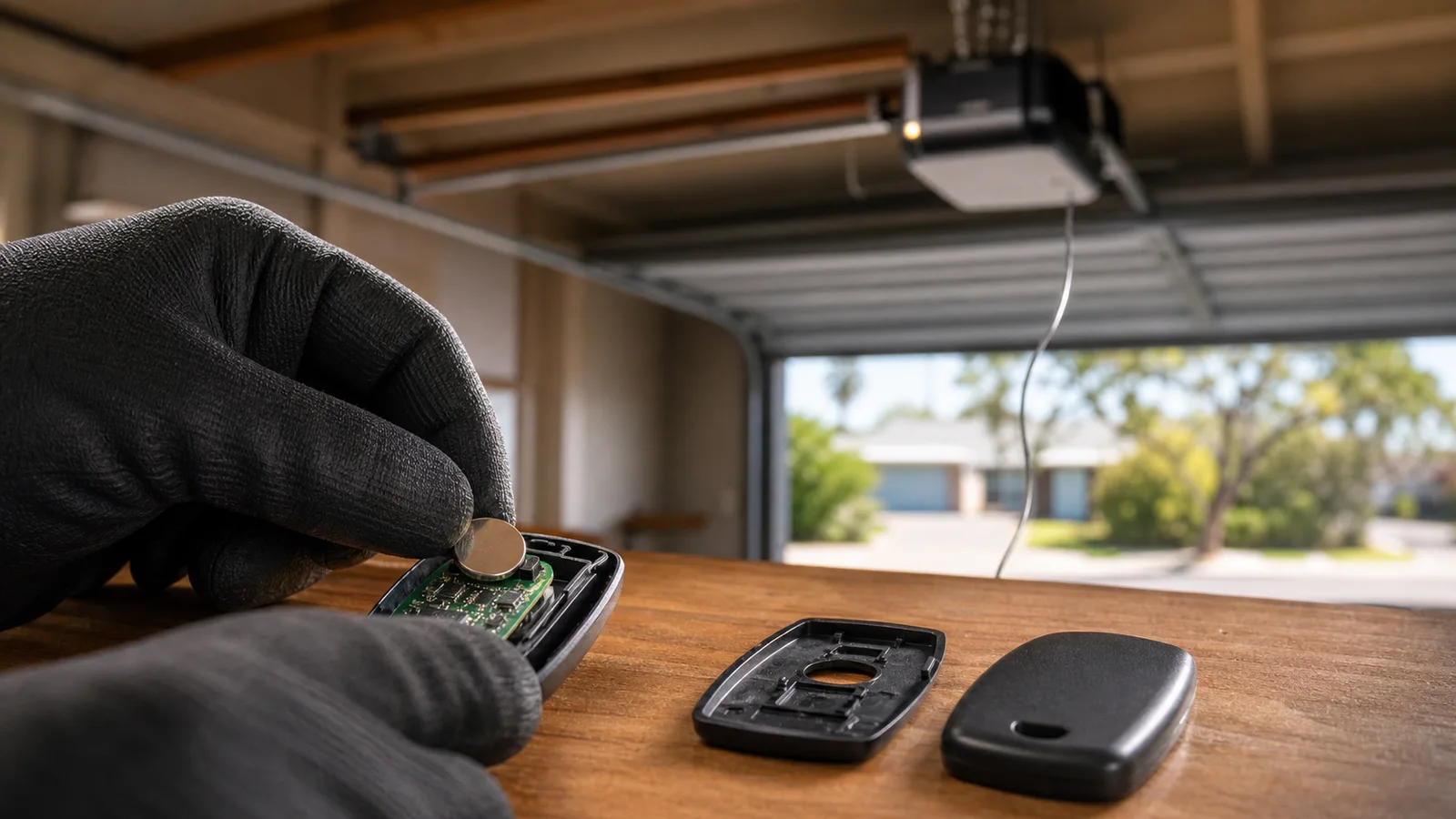
1. The battery — and yes, even if it is new
Most garage remotes take a small coin cell or a 12 V A23, and both fail in a way that is easy to misread: they lose voltage under load before they go completely flat. So the remote still lights up when you press it — the LED needs almost nothing — while the transmitter no longer has the power to send a usable signal at range.
The classic symptom is a remote that works if you are standing under the door and does nothing from the street. That is a battery, essentially every time.
Coin cells bought in bulk online are also frequently near end-of-shelf-life when they arrive. A new battery that does not fix it is worth testing against a second new battery from a different source before you conclude anything.
2. Range and interference
If range has shrunk gradually and a battery has not helped, something has changed in the radio environment. LED downlights and cheap LED strip lighting in the garage are common culprits — some emit enough radio noise to swamp a 433 MHz receiver at close range.
Try operating the door with the garage lights off. If range suddenly returns, you have found it, and the fix is usually replacing whichever fitting is the noisy one rather than anything to do with the door.
A metal roller door itself blocks signal, which is why almost all of these systems have the aerial hanging down from the motor head. If that thin wire has been tucked up, coiled around the motor, or snapped off, range collapses. Let it hang straight down.
3. Re-pairing, by brand family
Most motors keep their remote codes in memory that can be lost — after a power surge, a board reset, or a battery-backup unit going flat. Re-pairing is a normal householder operation and every brand has a documented procedure.
The general shape is the same across the common Perth brands: a learn or code-set button on the motor head, pressed once, then a press on the remote within a few seconds while an indicator light is showing.
- B&D — learn button on the motor head, indicator LED, single press then remote
- Merlin — a coloured learn button with an on-screen or LED indicator, depending on model era
- Centurion and Steel-Line — code-set button on the head unit
- Automatic Technology (ATA) — learn/settings button, often behind the lens cover
- Grifco — typically commercial units; the procedure varies by controller, so check the unit
4. Where it stops being the remote
Try the wall button. This is the single most useful diagnostic step in the whole article, and it takes two seconds.
If the wall button operates the door normally and the remote does not, the problem is in the remote or the receiver — battery, pairing, aerial, interference. All of the above applies.
If the wall button does nothing either, the problem is not the remote. It is the control board, the power supply, or the motor, and it is time to stop swapping batteries.
The Perth-specific version of this fault
If a remote stopped working immediately after a storm — particularly in the Hills, where outages are frequent — the likely cause is a control board that took a surge and lost its stored codes, or lost more than that.
Re-pairing is worth trying first because it is free. If the board will not accept a pairing, or the wall button is also dead, the board has gone. That is a repair rather than a whole new motor in most cases, and it is worth asking specifically.
Still stuck?
Describe what the door is doing and we will tell you what it is. The diagnosis is free and covers 288 Perth suburbs — and if it turns out to be something you can sort out yourself, we will say so.